 Freezon
What to Do If You Forget Your Freezon Password: A Practical Recovery Guide
Reset your Freezon password using your album’s current Recovery Code, verify your photos and videos, and understand the difference between album recovery and encrypted backup restoration.
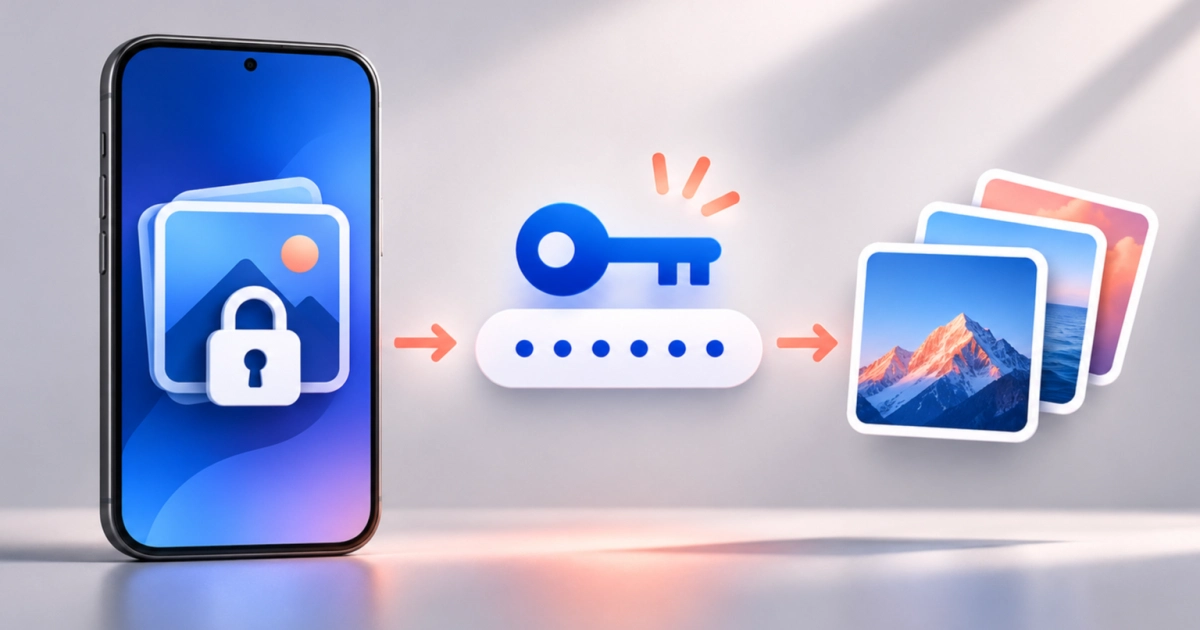
If you forget your “Freezon” password on your iPhone or iPad, you can reset it directly from the app’s locked screen without losing your photos or videos. As long as your existing album remains on your device, Freezon provides an official recovery route: select Forgot Password on the locked screen and enter the current Recovery Code designated for that album. Your album contents stay completely preserved while you establish a new password.
Here is a practical, step-by-step guide to resetting your password, verifying your media, and distinguishing between your album recovery codes.
Resetting Your Password from the Locked Screen
When your album is intact on your device, you do not need to reinstall the app. Complete the following steps:
- 1. Open Freezon to bring up the locked screen.
- 2. Tap Forgot Password to enter the recovery route.
- 3. Enter the valid, current Recovery Code assigned to that specific album.
- 4. Set and confirm your new album password.
- 5. Unlock Freezon with your new password right away, then browse through your album to verify that all your photos and videos remain present and safe.
Example: Distinguishing Everyday vs. Private Recovery Codes
Freezon supports two separate albums: the Everyday album and an optional Private album. Each album maintains its own distinct, current Recovery Code. A recovery code intended for one album cannot unlock the other.
Consider a practical scenario: You open Freezon to access your Private album, but your password does not work. You tap Forgot Password and paste a saved code from your notes, but the app rejects it.
To resolve this mismatch:
- Identify the album you want to recover: Decide whether you need to recover the Everyday album or the Private album.
- Check your saved records: Open your password manager or secure notes and locate the code explicitly recorded for that specific album.
- Apply the current code: If you are unlocking the Private album, enter the Private Recovery Code rather than the Everyday code. Make sure it is the current code generated for that active album, as outdated codes will fail.
Password Errors vs. Recovery Code Failures
It is important not to confuse incorrect password attempts with rejected Recovery Code entries, because the app handles them differently:
- Repeated incorrect passwords: Entering the wrong album password multiple times can trigger an intentional waiting period. Freezon temporarily suspends password attempts to protect your album against unauthorized guessing.
- Recovery Code rejections: Recovery codes require an exact match for the target album. If your code is not accepted, pause and verify that you have not swapped your Everyday and Private codes, rather than repeatedly submitting an invalid code.
Comparison: Resetting an Existing Album vs. Restoring a Backup
Resetting a password on your device is fundamentally different from restoring an encrypted backup. Understanding this distinction prevents confusion during recovery:
- Starting situation: When resetting an existing album, your album is already present and intact on your iPhone or iPad. When restoring an encrypted backup, you are configuring a new album from an encrypted backup archive.
- Required key: Resetting an existing album requires the current Recovery Code for that specific live album. Restoring an encrypted backup requires the matching code generated specifically for that backup file.
- Result: Resetting an existing album updates your password and maintains all current media in place. Restoring an encrypted backup reconstructs stored photos and videos into a newly initialized album.
- Key condition: For a password reset, the code must match the active local album. For backup restoration, possession of an unrelated file or mismatched code cannot unlock data.
Concrete Actions to Protect Your Access
Take these practical steps right now to ensure seamless access to your albums:
- Label both codes clearly: Review your records today to make sure your Everyday Recovery Code and Private Recovery Code are explicitly identified and separated.
- Store codes in a confidential place: Save both Recovery Codes in a secure password manager or encrypted note accessible only to you.
- Retain personal custody of your keys: Keep in mind that neither Freezon developers nor Apple can view, recover, or reset your passwords or recovery codes. Your saved Recovery Code is your sole recovery key.
