 Freezon
How to Lock Videos With a Separate Password on iPhone or iPad
Set up a separate password in the Private album, import your video, and check playback before deciding where to keep the original.
To lock a video with a password of its own, import it into the Private album in “Freezon”. Freezon encrypts the copy on your iPhone or iPad so you can play it offline after importing. Apple Photos can hide a clip from your main library, but its Hidden album uses device authentication and doesn't have a separate password.
Give Your Videos a Separate Password
Say you have a video on the same iPad your family uses to look through vacation photos. You can keep the clips everyone watches in Apple Photos and put the video you want to keep private in Freezon. Set up the Private album with a password different from the one you use to unlock the device.
Freezon also has an Everyday album with its own password. Both albums use the same unlock screen: enter the password for the album you want to open. Keep the Private album password and its recovery code somewhere you can find them.
Import Your Video and Check Playback
Unlock the Private album before adding the clip. If you're moving several videos, trying one first makes it easy to check that you've opened the right album and know where to find everything.
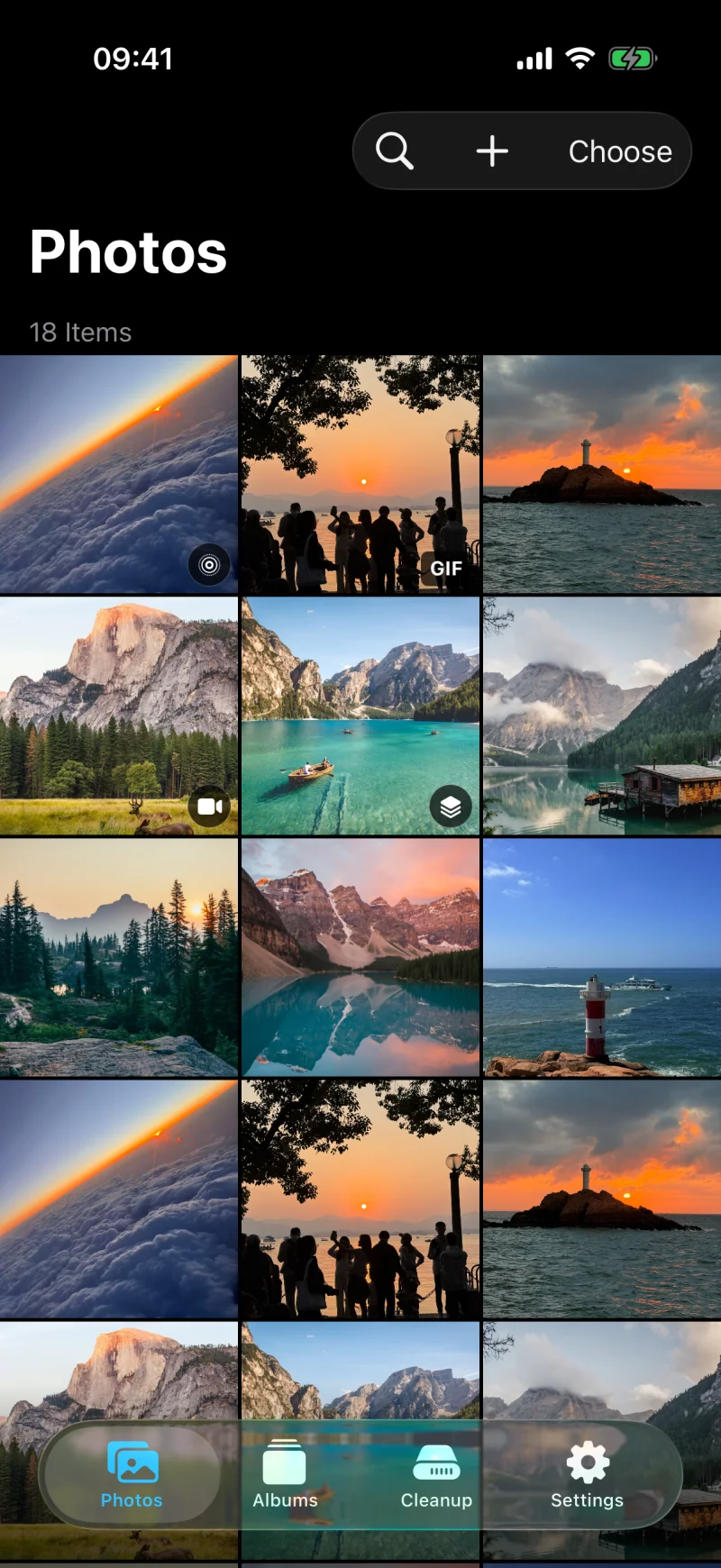
- In Freezon's Photos view, tap the plus button and select your video from Apple Photos.
- Wait for the import to finish, then open the video in Freezon and make sure it plays.
- If you want to check offline playback, switch on Airplane Mode and open the imported video again.
Screenshots show the English interface. The app supports multiple languages.
Choose Where to Keep the Original
You can keep the Apple Photos original if you want a copy in both places. If the goal is to keep that video only in Freezon, confirm playback first and then remove the Apple Photos copy. If you choose Freezon's removal option, iOS asks you to confirm the deletion.
Freezon works on both iPhone and iPad. You can use the same steps on whichever device holds the clip you want to lock.
