 Freezon
Offline Photo Vault for iPhone and iPad: Keep Private Photos on Your Device
Keep selected photos, videos, and Live Photos encrypted on your device and view them offline after a successful import.
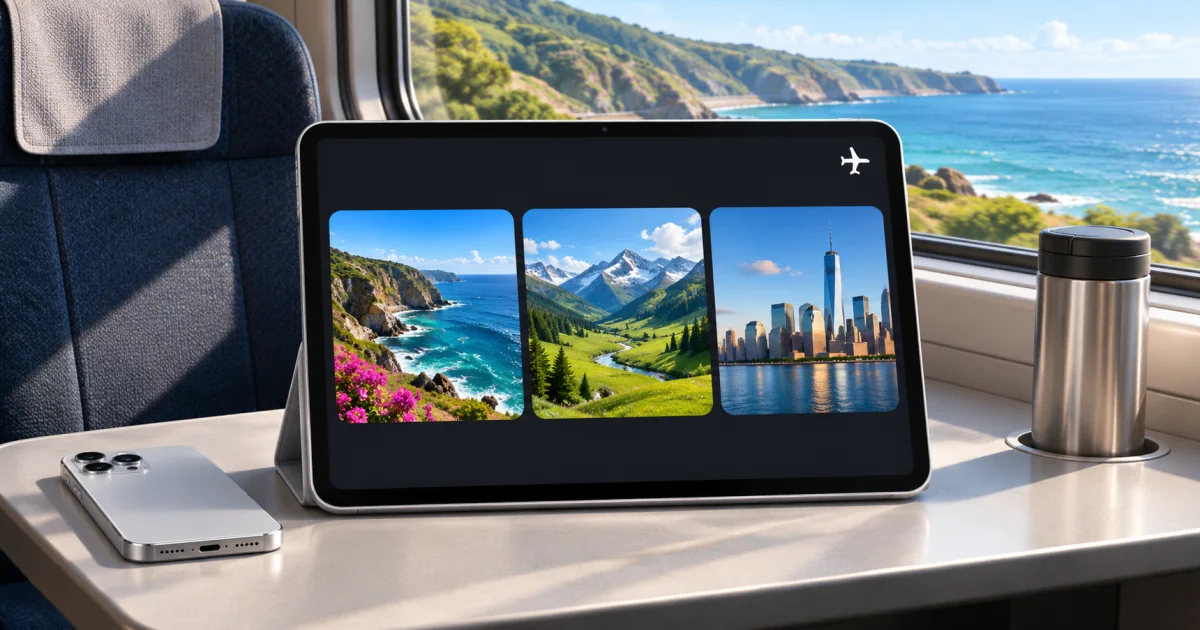
You can store private photos, videos, and Live Photos on your iPhone and open them without an internet connection or an app account. “Freezon” encrypts selected items from Apple Photos directly on your device, keeping them ready to view offline after a successful import.
From Import to Airplane Mode
Everything starts with selecting the specific photos, videos, or Live Photos you want to import from Apple Photos. Because not every Apple Photos original is already downloaded to your device, wait for the import to finish; items are encrypted on-device and can be opened offline only after a successful import. Your copies in Apple Photos remain unless you confirm removing them.
Inside Freezon, the Everyday and Private albums use separate passwords, and Face ID or Touch ID is optional for Everyday. For example, suppose you import a photo, a video, and a Live Photo from Apple Photos into the Private album, while keeping other photos in Everyday with Face ID enabled. Once the import finishes, you can turn on Airplane Mode, open the app with no account or connection, access Everyday with Face ID or its password, and unlock Private with its separate password to view the imported items. Even though successfully imported media opens without internet access, not every app feature runs offline.
Checklist to Verify Offline Access
Before relying on offline access, run through a quick check to make sure your imported media opens as expected. Taking a moment to test your setup helps catch unfinished imports or access issues up front.
- Confirm completed imports: Verify that every selected photo, video, and Live Photo finished importing from Apple Photos, rather than assuming originals were already downloaded.
- Test in Airplane Mode: Turn on Airplane Mode and check that the imported items open inside the app, keeping in mind that not every app feature runs offline.
- Check album access: Make sure you know the separate passwords for the Everyday and Private albums, along with any optional Face ID or Touch ID setup for Everyday.
- Decide on Apple Photos copies: After confirming your imports open offline, decide whether to keep the copies in Apple Photos—they stay there unless you confirm removing them.
A Quick Note for iPad Users
Freezon is available on iPad as well as iPhone, using the same on-device encryption for selected media. However, one install is not a shared library: photo libraries are not automatically synchronized between installs, so items you import on your iPhone stay separate from what you import on your iPad.
How Backups Affect In-App Storage
Choosing to back up does not alter how your in-app media is stored. When you create a backup, the app writes an encrypted file to a chosen folder in Files, with iCloud Drive optional, while your imported items remain encrypted on-device inside the app. Keep the backup file and its corresponding recovery code safe, as the file and code can be used to restore.
