 Freezon
iPhone Hidden Album Not Showing? Find It or Set Up a Private Album
Find the Hidden album in Apple Photos and set up a separate album with its own password for selected photos and videos.
In Apple Photos, look for Hidden under Utilities. If it isn't there, go to Settings → Apps → Photos and turn on Show Hidden Album. On iPad, you'll find Utilities in the Photos sidebar.
When You Want an Album With Its Own Password
Finding the Hidden album lets you see the items you hid, but it doesn't give that album a password of its own. If someone in your family knows your iPhone passcode, you may want a separate place for a few personal photos or videos. That's what the Private album in “Freezon” is for.
Keep using Apple Photos for the pictures you normally browse and share. Move only the items you want to protect with a separate password into Freezon. The app encrypts imported copies on your device, and you can open them offline once the import is complete.
Set Up Your Private Album in Freezon
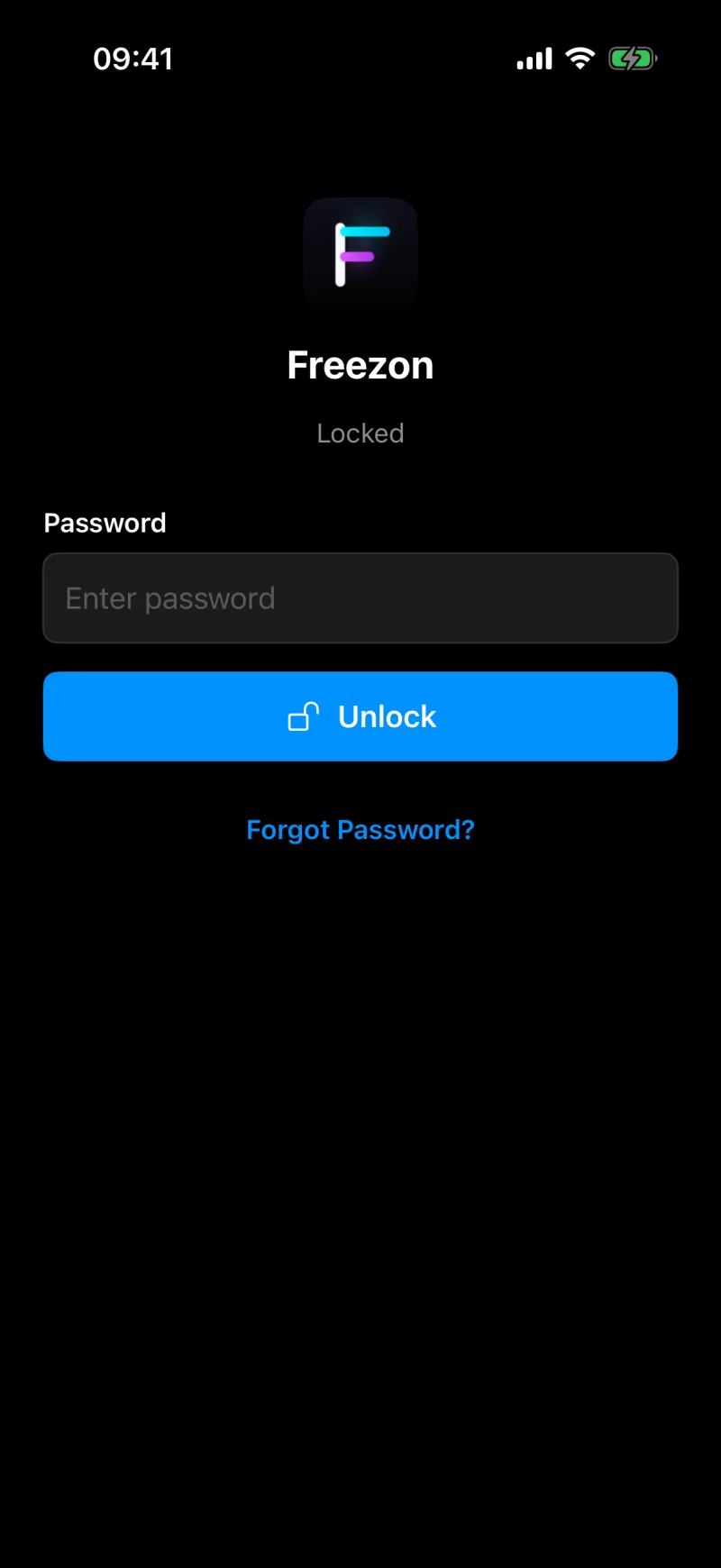
Set up Freezon and create the Private album. Choose a password different from your device passcode and from the password for your Everyday album. Use the Private password on the Freezon unlock screen when you want to open that album.
- Open the Private album, then use the plus button in Photos to select the photos or videos you want to import.
- Wait for the import to finish and open a few items to make sure they're there.
- Choose which originals you still want in Apple Photos. If you use Freezon's removal option for the rest, confirm the deletion in iOS.
Screenshots show the English interface. The app supports multiple languages.
Keep Everyday Photos Easy to Find
The two albums let you decide what belongs together. For example, keep ordinary trip photos in Apple Photos and put only a personal video or a photo of an important document in your Private album. On a shared iPad, the same Freezon setup gives selected items their own place without changing how the rest of the family uses Apple Photos.
