 Freezon
Can You Set a Separate Password for the Hidden Album on iPhone?
Apple Photos does not allow a separate password for its Hidden album. Use Freezon on iPhone and iPad to lock sensitive photos behind an independent passcode.
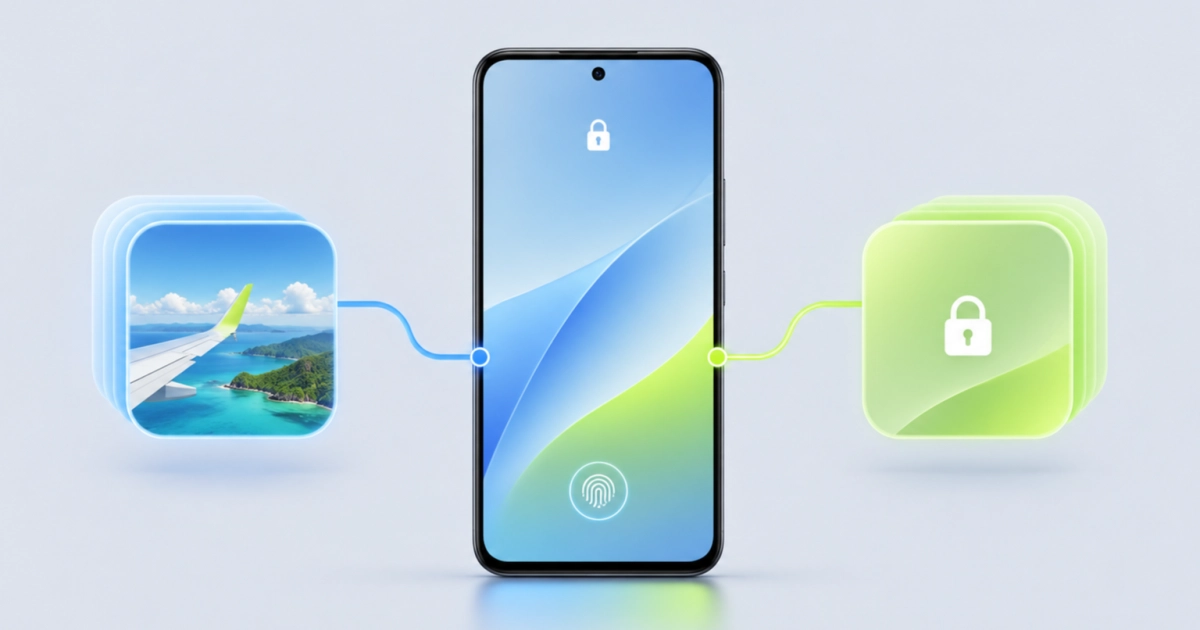
No, Apple Photos does not allow you to set a separate password for its Hidden album. Hidden uses device authentication, which means anyone who knows your device passcode can unlock it. To protect sensitive pictures behind a truly separate password, you can use “Freezon” on iPhone and iPad, where Everyday is the first album and the optional Private album provides its own distinct passcode.
This guide explains how to set up the separate password and where to find each Recovery Code.
Sharing Your Phone Without Sharing Your Private Photos
“Where’s the group photo from our last dinner?” A family member knows your iPhone passcode, so you hand them the phone and let them find it in Photos. Wanting to share a group picture doesn’t mean you want someone swiping into the personal photos right next to it. Leave the group shots in Apple Photos and move the pictures meant just for you into Freezon, where they’re behind a separate passcode.
Step-by-Step Setup and Verification Guide
1. Establish the Everyday Album First. When you open Freezon, set up the Everyday album before anything else.
Create a dedicated password for the Everyday space. Record and safely store the unique Everyday Recovery Code generated during setup. On supported devices, optionally enable Face ID or Touch ID for Everyday to balance convenience with privacy for standard personal photos.
2. Add the Private Album with an Independent Credential. Add the Private album during initial setup where offered, or configure it later in Settings.
Choose a password completely different from your Everyday password and distinct from your iPhone passcode. Record and preserve the separate Private Recovery Code independently. Remember the authentication rule: while Everyday can optionally use Face ID or Touch ID, Private always requires its dedicated password.
3. Verify Both Passwords on the Unlock Screen. Before importing any photos, verify both credentials on Freezon’s single unlock screen. The screen features no photo previews and no album picker, giving no visual cue of which album is being opened.
Enter your Everyday password (or use Face ID or Touch ID if enabled) and confirm Everyday opens. Return to the unlock screen, enter your Private password, and confirm Private opens. Testing each password once confirms that your credentials function independently and unlock only their matching albums.
4. Import Photos by Purpose and Remove Originals. Once verified, organize your imports according to the level of privacy required.
Place general personal photos into Everyday, and import items requiring an exclusive passcode into Private. Take concrete action on originals: Freezon protects only imported copies. Original photos in Apple Photos remain unaffected until you choose Apple-confirmed removal. Approve the iOS removal prompt to remove the originals from Apple Photos. Access your media with confidence: all imported media can be viewed offline, and there is no developer storage of album media.
Quick Comparison: Apple Photos Hidden vs. Freezon
Access credential: Apple Photos Hidden Album uses iPhone device authentication. Freezon Private Album uses an independent custom password.
Biometric access: Apple Photos Hidden Album uses device Face ID or Touch ID. Freezon Private Album requires a password; the Everyday album can use biometrics.
Unlock interface: Apple Photos Hidden Album has a visible album list entry. Freezon uses a single screen with no album picker or previews.
Album structure: Apple Photos has a single hidden album. Freezon has dual spaces: Everyday and Private.
Media storage: Apple Photos Hidden Album uses the main photo library. Freezon media is stored locally and can be viewed offline, with no developer storage.
Frequently Asked Questions
What happens to original photos in Apple Photos after importing into Freezon? Freezon protects only imported copies. Original files in Apple Photos remain intact until you approve the Apple-confirmed removal prompt during or after import.
How does the single unlock screen know which album to display? The unlock screen features no album picker. Entering your Everyday credential opens the Everyday album, while entering your Private password opens the Private album.
What should I do if I forget one of my passwords? Use the specific Recovery Code created during that album's setup. Because Everyday and Private generate completely separate Recovery Codes, keep both codes stored in a secure location.
